

You can open the search bar with AltS (by default).
You can open the settings popup with AltShiftS (by default).
You can change the shortcut settings here:
chrome://extensions/shortcutsFocus on search bar (when the search bar is displayed).
Unfocus on search bar (if you are currently focused on search bar).
Switch search engines (if you are currently focused on search bar).
Search (if you are currently focused on search bar).
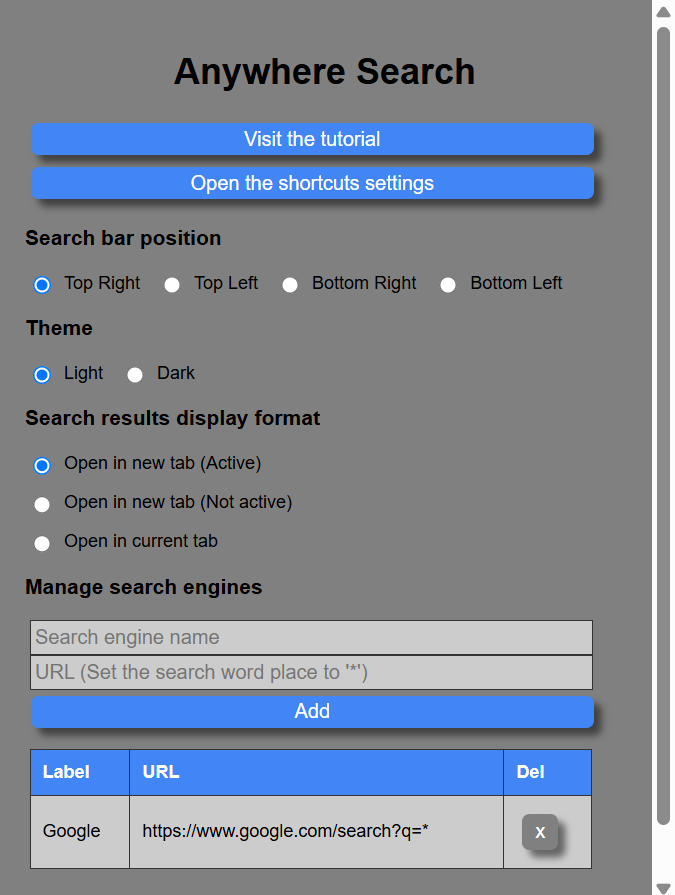
Anywhere Search popup
You can choose your search bar position from the following four positions:
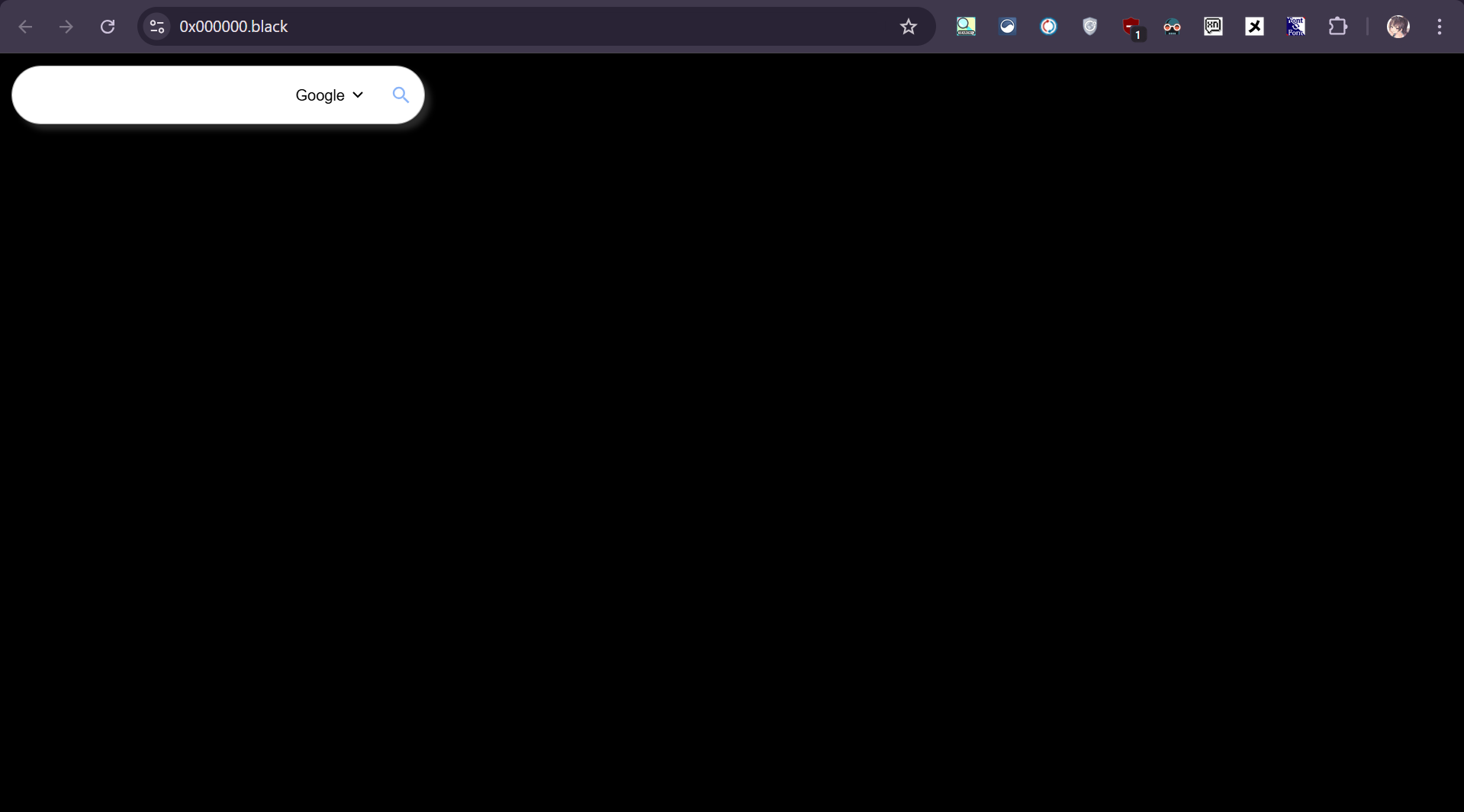
Top Left
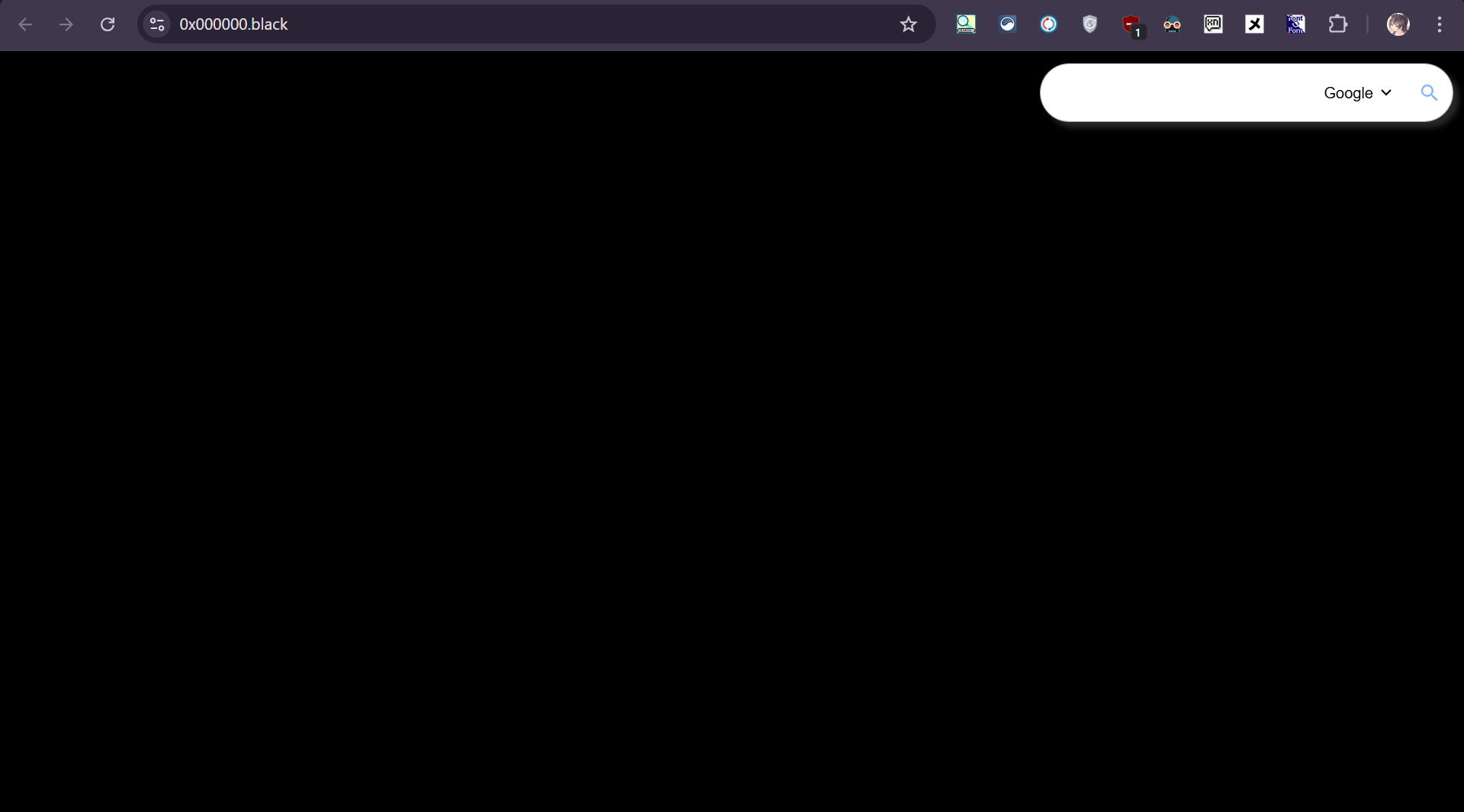
Top Right
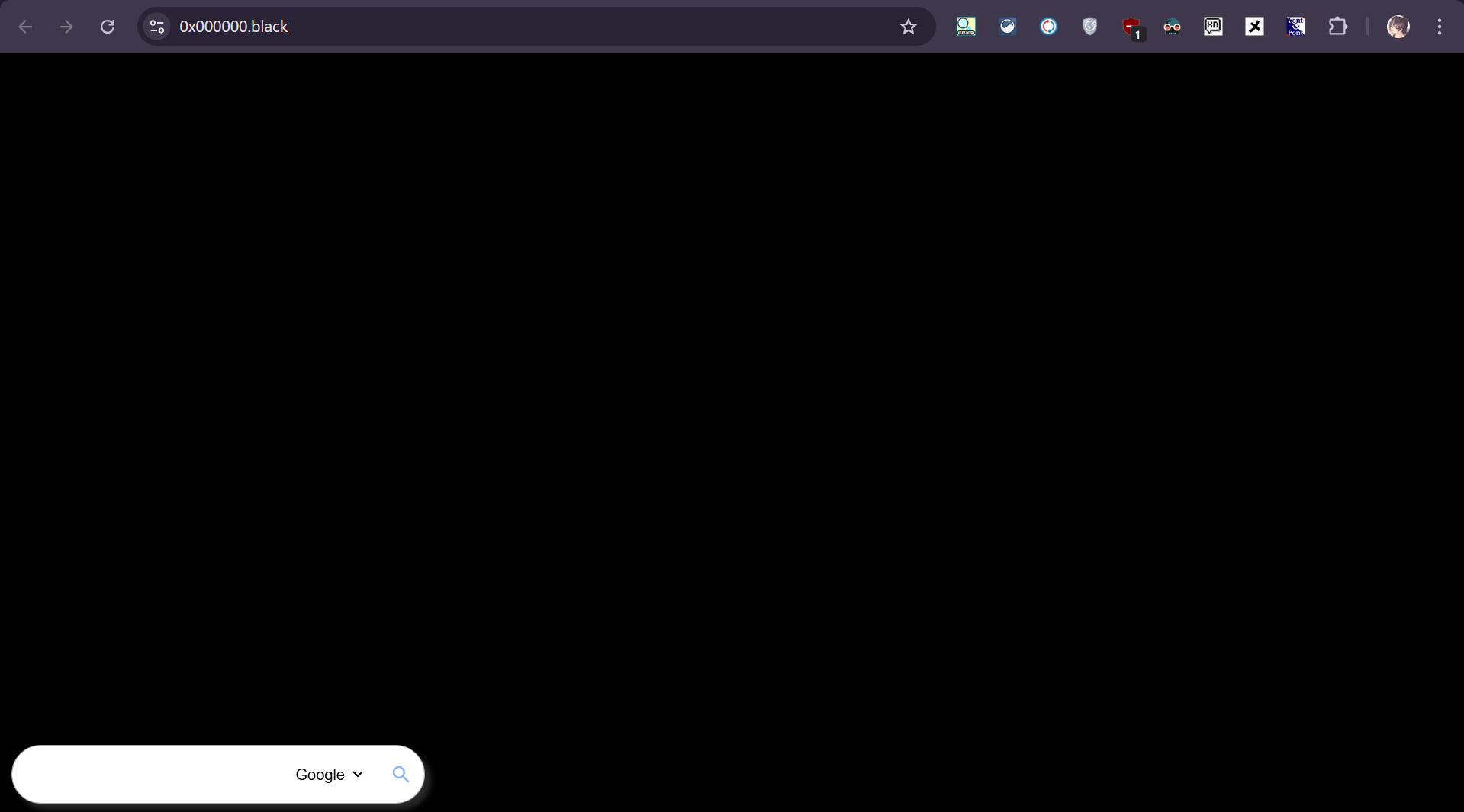
Bottom Left
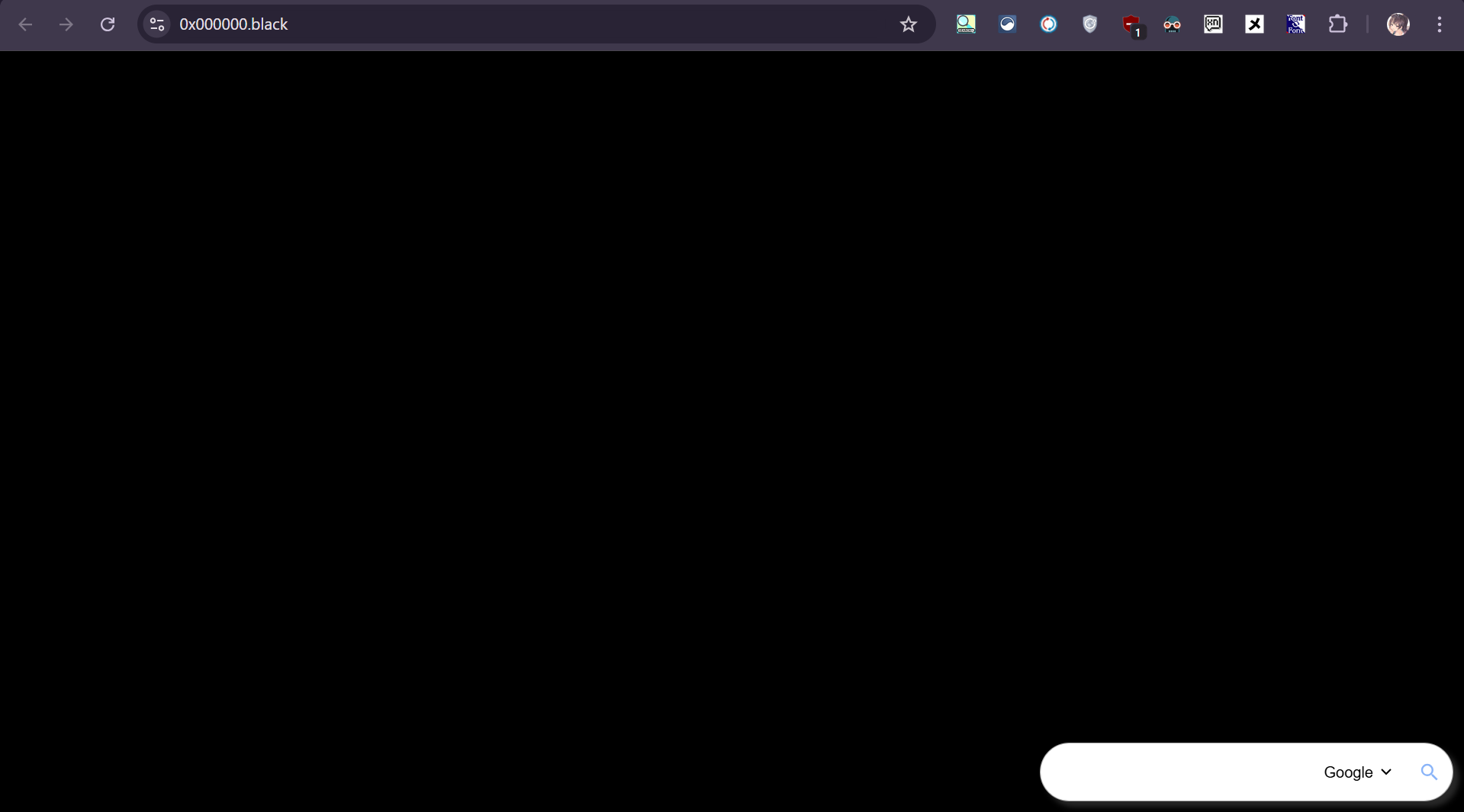
Bottom Right
You can choose your search bar theme from the following two themes:

Light

Dark
Default. Open the search results in a new tab and move on.
Opens the search results in a new tab, but does not move.
Opens the search results in the current tab.
This video explains in detail.